Why Did My Jeep Radio Screen Go Black?
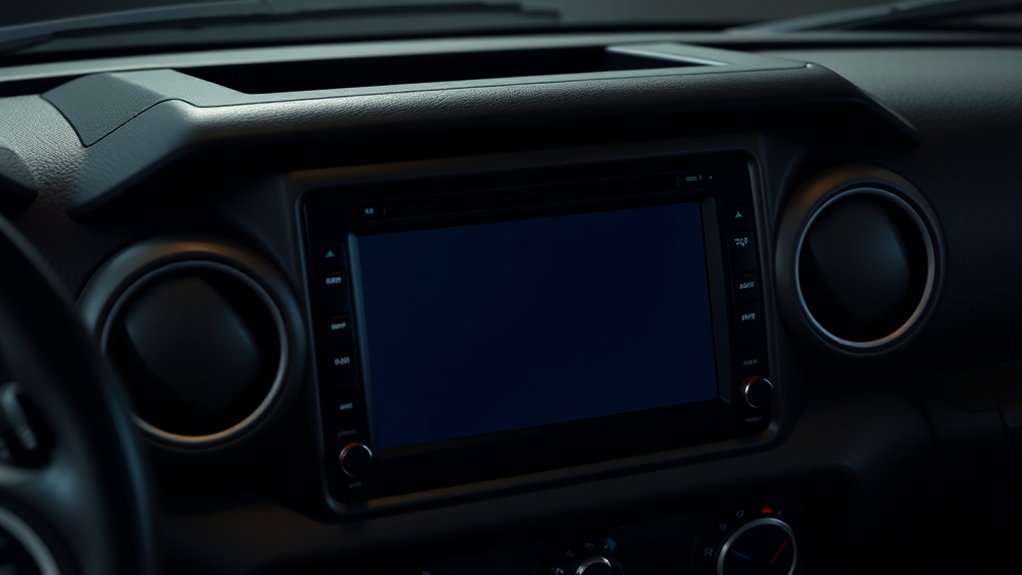
Having your Jeep radio screen suddenly go black can be incredibly frustrating, especially when you’re trying to navigate or enjoy your favorite tunes. You’re not alone—many Jeep owners struggle with this issue at some point. It’s a common problem that can really put a damper on your driving experience.
If your Jeep radio screen goes black, it’s often caused by electrical issues like blown fuses, loose wiring, or faulty connections that cut power or disrupt signals. Software glitches or outdated firmware can also freeze or turn off your display. Hardware failures, such as backlight or internal component damage, could be to blame.
To get to the root cause and fix it, you’ll want to follow some key troubleshooting steps—more details on how to address the problem lie ahead.
Key Takeaways
- A blown fuse or loose wiring in the electrical system can cut power to the radio, causing the screen to go black.
- Sometimes, software glitches or outdated firmware can cause display problems. A reset or update might fix the issue.
- Hardware failures, like backlight problems or damaged display parts, can also lead to a persistent black screen.
- Physical damage or internal component issues often make the screen unresponsive or completely dark.
- Regular maintenance, such as checking fuses and inspecting wiring, can help prevent or fix black screen problems.
What Causes My Jeep Radio Screen to Go Black?
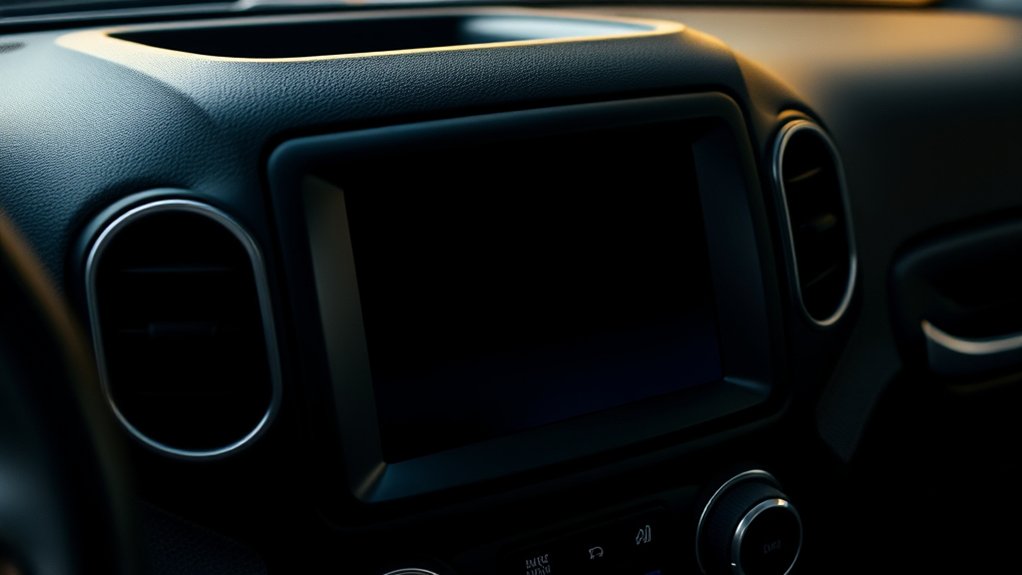
There are several common reasons why your Jeep’s radio screen might go black. One is electrical issues that can disrupt the power supply to the display.
Loose or damaged wiring connections inside the infotainment system can also cause a black screen, stopping the display from working properly. A blown fuse or a faulty fuse can cut off electrical flow to the radio, making the screen go dark.
Software glitches or outdated firmware might lead to intermittent or permanent black screens, especially if the system isn’t updated. Hardware failures within the display, like backlight problems or screen delamination, can also cause the screen to go black even if the system is powered on.
All these issues interfere with the electrical stability needed for your Jeep’s radio display to stay on.
How Fuses Can Make Your Jeep Uconnect Display Go Dark
Your Jeep’s fuse box holds the key to whether your Uconnect display stays on or goes dark.
If a fuse related to the infotainment system blows, the screen can lose power and go black.
Checking and replacing the right fuse with the correct amperage can often fix the issue and restore your display.
Fuse Location and Identification
The fuse controlling your Jeep’s Uconnect display is usually located in the fuse box, which can be found either under the dashboard on the driver’s side or in the engine compartment.
The fuse box contains multiple fuses, each labeled to identify its purpose, including those for the infotainment system. To check if a fuse is causing your screen to go black, locate the fuse box and find the fuse marked for the radio or infotainment system.
Use the diagram on the fuse box cover or your vehicle’s manual for guidance. Remove the fuse carefully with a fuse puller or pliers, and inspect it for a blown filament or discoloration.
Replacing a blown fuse with a new one of the correct amperage can restore power to your display.
Signs of Fuse Failure
A blown fuse can silently cause your Jeep’s Uconnect display to go dark, often without any obvious signs until you notice the screen is black. Fuse failure related to the radio system may result in a completely black screen, making it seem like the system has lost power.
To identify this, check fuse connections. Even if the fuse looks fine, corrosion or a poor connection could still cut off power. Look for signs like a broken or melted filament inside the fuse.
Replacing Fuses Properly
Replacing fuses properly is crucial to keeping your Jeep’s Uconnect display working smoothly. Make sure to use the correct fuse with the right amperage to avoid voltage fluctuations that can turn your screen black or make it unresponsive.
A blown fuse dedicated to the infotainment system can cut off power, causing the display to go dark or stop working altogether. Always check that the fuse is securely seated in its socket—loose connections can cut power intermittently and lead to display issues.
Even if the fuse looks fine visually, it could still be internally damaged. Testing it with a multimeter is a good idea to be sure. Properly replacing the fuse helps keep the wiring intact and ensures consistent power, preventing your screen from going dark again.
How to Check and Replace Fuses in Your Jeep
Start by locating the fuse box, which is usually under the dashboard or in the engine compartment. Find the diagram to identify the correct fuse.
Use a fuse puller or needle-nose pliers to carefully remove the fuse labeled “Uconnect” or “Audio.” Check the fuse for a broken filament or discoloration.
If it’s blown, replace it with one of the same amperage and reinsert it securely.
Locate Fuse Box Correctly
To check and replace fuses in your Jeep, first locate the main fuse box. It’s usually found under the dashboard on the driver’s side or in the engine compartment. Check your owner’s manual if you’re not sure where it is.
Once you’ve found it, carefully remove the fuse panel cover. You can use a screwdriver or do it by hand. Then, check each fuse for signs of damage, like a broken or melted filament.
Use a fuse puller or needle-nose pliers to take out the suspect fuses. Compare them against the fuse diagram printed on the cover or in the manual to identify the right one. When replacing a blown fuse, make sure you use one with the correct amperage rating for that circuit.
Finally, reattach the fuse box cover securely. Turn on your radio or other systems to make sure everything is working properly.
Inspect and Replace Fuses
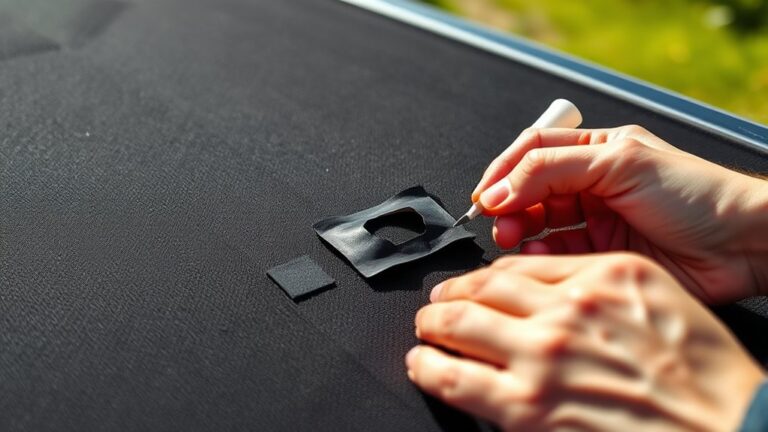
Inspecting and replacing fuses in your Jeep is pretty straightforward and can often fix issues like a blacked-out radio screen. First, find the fuse box—usually under the dashboard or in the engine compartment—and look at the fuse diagram.
Use a fuse puller or needle-nose pliers to carefully remove the fuse related to the radio or infotainment system, often labeled “Uconnect” or “Radio.” Take a close look at the fuse for any visible damage or burns.
If the fuse looks damaged, replace it with a new one that has the same amperage rating as specified in your owner’s manual. Make sure the new fuse is seated securely in the socket.
After replacing the fuse, turn on your vehicle to see if the radio screen issue is fixed and if the system powers on correctly.
Can Software Glitches Turn Off Your Jeep Radio Screen?
Software glitches can indeed turn off your Jeep radio screen by disrupting the display system’s firmware or software files. When these glitches happen, they can corrupt the system’s firmware, causing the radio screen to go black or become unresponsive.
Outdated software, incomplete updates, or corrupted system files are common culprits that lead to these issues. Sometimes, software conflicts or bugs prevent the display from initializing properly during startup, resulting in a blank screen.
Fortunately, resetting or updating the software often fixes these glitches and restores normal display function without needing hardware replacement. However, persistent software problems may require dealer diagnostics or a firmware reinstallation to fix the black screen caused by these glitches.
How to Reset Your Jeep Infotainment System
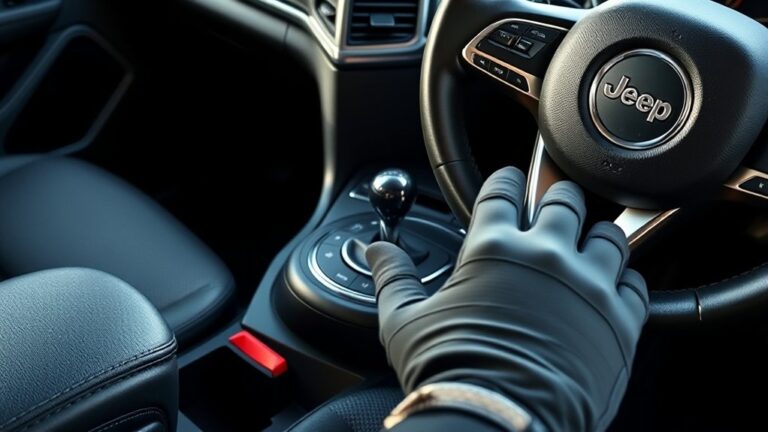
If your Jeep infotainment system is displaying a black screen, performing a reset can often fix the issue. Start with a soft reset by holding the volume and tuner knobs together for 10-20 seconds until the screen flashes and reinitializes.
If that doesn’t work, try a hard reset by pressing and holding the temperature up and down buttons for at least five seconds. This resets your Jeep Wrangler to factory settings but will erase your presets.
Alternatively, you can disconnect the negative battery terminal for about 15 minutes to reset the system completely. Before doing this, turn off your vehicle and be ready to reconfigure your personalized settings.
Regular resets can help fix minor glitches causing the black screen. But if problems persist, you might need software updates or a hardware inspection.
How to Inspect Wiring Behind Your Radio for Issues
To identify potential wiring issues behind your Jeep’s radio, you’ll need to carefully remove the trim panel surrounding the unit to access the wiring harnesses. Once exposed, perform a wiring inspection by visually checking all electrical connections for loose, disconnected, frayed, or corroded wires and connectors.
Look closely for signs of damaged insulation, burnt wires, or corrosion that could disrupt electrical flow. Use a multimeter to verify proper voltage and ground continuity at the wiring harness connections, ensuring power is reaching the radio as it should.
Make sure all connectors are securely seated and lock into place to prevent intermittent power or signal issues. This thorough inspection can help you identify faulty wiring that might be causing your screen blackout.
When to Consider Hardware Replacement for a Black Screen
When wiring and connections check out but the screen still stays black after multiple resets and updates, it’s likely a hardware issue within the display unit itself. Persistent black screen problems often point to hardware failure, such as internal component damage or backlight issues that software can’t fix.
A persistent black screen often indicates internal hardware failure or backlight issues needing replacement.
If diagnostic tests show no response from the display module or indicate hardware malfunctions, it’s time to consider a display replacement. You should consider hardware replacement if:
- Visible physical damage or internal component failure is confirmed
- The display remains unresponsive despite proper electrical checks
- Backlight failure or damaged panels are identified through diagnostics
In these cases, replacing the display hardware is the most effective fix for your black screen problem.
Tips to Prevent Future Radio Screen Blackouts in Your Jeep
Maintaining your Jeep’s infotainment system is essential to prevent future radio screen blackouts. Regularly update the software to fix bugs and improve system stability. This can help reduce the chances of the screen going black unexpectedly.
Check and replace blown fuses related to the radio or electrical system. Doing this ensures your system keeps getting the power it needs and prevents outages. Keep wiring connections secure and free of corrosion for a consistent electrical supply to the display.
To prevent electrical surges, use proper power sources and disconnect the battery during extensive repairs. Scheduling regular inspections of the display unit and related components can catch hardware issues early. This way, you avoid unexpected blackouts and keep your system running smoothly.
Frequently Asked Questions
What to Do if the Jeep Screen Is Black?
If your Jeep screen is black, start by performing a soft reset. Hold the volume and tuner knobs at the same time for 10-20 seconds.
Check and replace any blown fuses, like fuse F97, and inspect the wiring for damage or looseness. Disconnect the negative battery terminal for 15 minutes to reset the system.
If it still doesn’t work, consider updating the software or consulting a professional. They can diagnose the issue and replace the display if needed.
How Do I Restart My Jeep Screen?
To restart your Jeep screen, you’ll want to do the ultimate reset. Hold the volume and tuner knobs together for 10-20 seconds until the screen flashes like a lightning bolt.
If that doesn’t work, press the temperature up and down buttons for five seconds—like flipping a switch.
For a real reset, disconnect the negative battery terminal for 15 minutes, reconnect, and then fire up your Jeep to see the magic happen.
How Do I Fix the Black Screen on My Uconnect?
To fix the black screen on your Uconnect, start with a soft reset by holding the volume and tuner knobs together for about 10 seconds.
Check and replace any blown fuses related to the system, like fuse F97.
Make sure wiring harnesses behind the display are secure and reconnect them if needed.
If these steps don’t work, try updating the software or consider replacing the display if the problem continues.
Why Did My Car Radio Screen Go Black?
Did you know that electrical issues cause about 60% of black screen problems in vehicle radios? Your car radio screen probably went black because of a blown fuse, loose wiring, or poor electrical connections messing with the power.
Software glitches or outdated firmware can also make the display malfunction. Start by checking your vehicle’s fuses and wiring. If that doesn’t work, consider updating the system software or getting professional help if the problem continues.
Conclusion
If your Jeep’s radio screen has gone black, don’t panic. Think of it like fixing a broken lantern at a campsite. Start by checking the fuses, resetting the system, and inspecting the wiring first.
If that doesn’t do the trick, it might be time to consider hardware replacement. With a little patience and some troubleshooting, you’ll be back on the road.
Your screen will be shining brighter than a lighthouse guiding sailors home through a foggy night.