How to Reset Uconnect Jeep in 7 Easy Steps
Many Jeep owners have experienced the frustration of their Uconnect system acting up or freezing at the worst times. If you’re tired of dealing with glitches and want a quick fix, you’re not alone. Resetting your Uconnect can often solve these issues and get your system running smoothly again.
To reset your Uconnect in Jeep, first turn off the engine and park safely. For a soft reset, hold both the volume and tuning knobs for about 10 seconds until the screen darkens and restarts.
If needed, perform a full system refresh by turning off the vehicle, opening and closing the door after 5 minutes, and then restarting.
Alternatively, access the reset through the Settings menu. Keep in mind, more tips are just ahead to help troubleshoot further.
Key Takeaways
- Turn off the vehicle, remove the key, and make sure the system is completely powered down before you start resetting.
- To do a soft reset, just hold both the volume and tuning knobs at the same time for about 10 seconds. It’s a quick and easy way to refresh the system.
- For a full reset, turn off your vehicle again, then open the driver’s door and leave it open for around 5 minutes. After that, restart your vehicle.
- Next, access the “Settings” menu on your touchscreen. Go to “System,” then select “Restore Factory Settings.” Confirm your choice when prompted.
- After resetting, you’ll need to reconfigure your preferences. Also, check for any software updates if you’re still having issues.
How to Tell When Your Uconnect System Needs a Reset
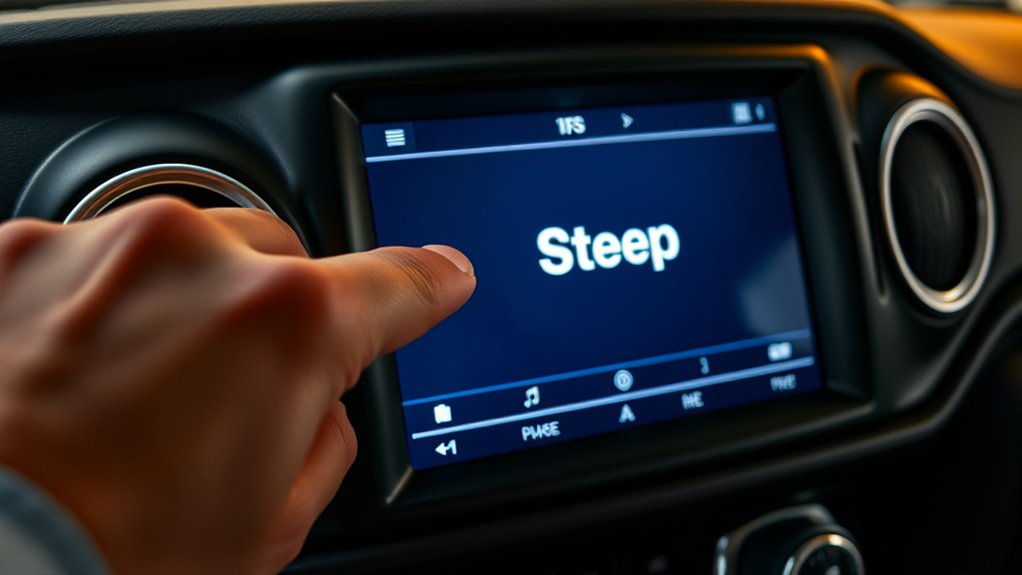
Wondering if your Uconnect system needs a reset? If you see a frozen touchscreen or an unresponsive system, it’s a sign something’s off. Error messages popping up unexpectedly also point to trouble.
When apps won’t launch or Bluetooth keeps disconnecting, it’s time to consider a reset. If the system reboots automatically or you notice audio issues like no sound or distortion, those are clues too.
A malfunctioning GPS that lags or stops working suggests a reset might be needed. If these issues stick around even after troubleshooting, resetting your Uconnect system can help get things back to normal.
Pay attention to these signs so you know when a reset is necessary. Keeping your vehicle’s tech running smoothly is key to a better driving experience.
Preparing Your Jeep for a Safe Reset
Before resetting your Uconnect system, it’s important to prepare your Jeep to ensure safety and avoid losing data. First, turn off the engine completely and remove the key to make sure all electrical systems are fully shut down.
Turn off your engine and remove the key to safely prepare your Jeep for resetting the Uconnect system.
Park your Jeep somewhere safe and stable, away from traffic and hazards. Check your vehicle’s manual for any specific precautions or instructions for your model.
To prevent interruptions during the reset, make sure your battery is fully charged or keep the engine running. It’s also a good idea to back up important data like radio presets, contacts, and favorite destinations.
Taking these steps helps protect your vehicle’s safety and makes the reset process smooth, reducing the risk of power loss or data corruption.
How to Perform a Soft Reset to Fix Minor Glitches
If your Uconnect system is acting sluggish or unresponsive, a soft reset can often fix minor glitches quickly. To do this, turn on the ignition without starting the engine and hold both the volume and tuning knobs at the same time for about 10 seconds.
You’ll see the screen go dark and then restart, which means the reset is done. This simple step can fix issues like unresponsiveness, freezing, apps not launching, Bluetooth disconnects, or audio problems.
The best part? It doesn’t delete any of your personal data. Just make sure your vehicle is parked and the system is powered on before holding the buttons.
Release the knobs once the Uconnect logo appears. Use this soft reset when your system responds slowly or seems frozen for quick, effective troubleshooting.
Power Cycling Your Jeep for a Full System Refresh
Power cycling your Jeep is a great way to do a full system refresh when you’re troubleshooting Uconnect issues. Just turn off your vehicle completely and remove the key or press stop to ensure the system is powered down.
Leave the driver’s door open for about 5 minutes to drain any residual electrical power. This helps clear temporary glitches that might be causing problems.
After that, close the door and restart your vehicle. During the ignition cycle, give the Uconnect system time to fully reboot.
Look for the Uconnect logo or system initialization screen—it means the refresh was successful.
Power cycling can fix minor glitches and help improve the overall performance of your Uconnect system.
How to Reset Uconnect via Settings Menu
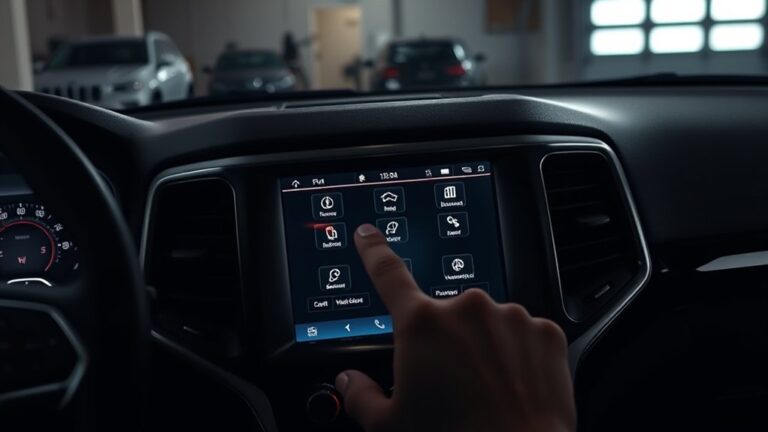
To reset Uconnect through the Settings menu, start by turning on your ignition and accessing the touchscreen.
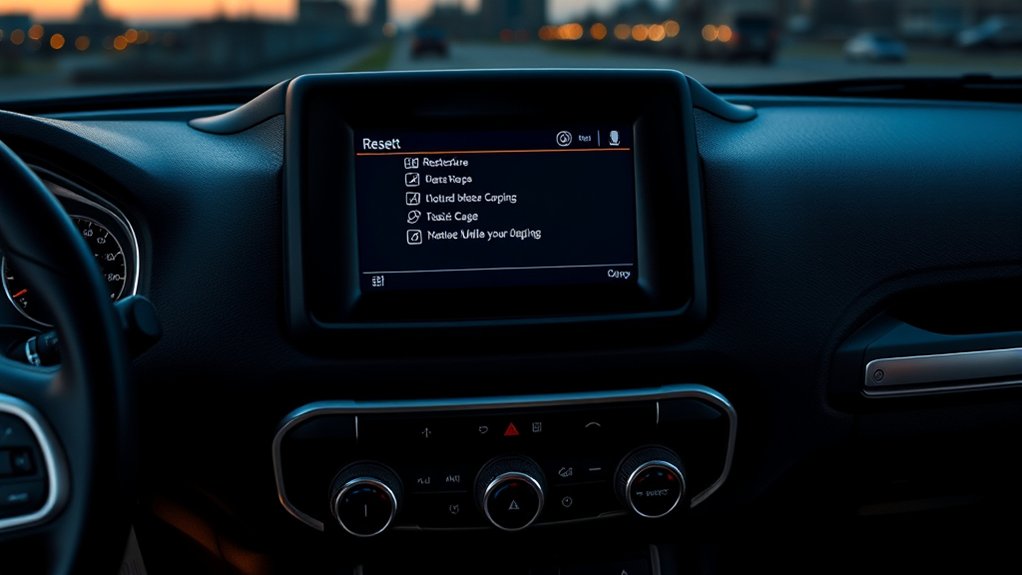
Tap on “Settings,” then find and select “System” or “Restore Factory Settings,” and confirm the reset.
After the system reboots, you’ll need to reconfigure your preferences to suit your needs.
Accessing System Settings
Accessing the Uconnect system settings is simple through your vehicle’s touchscreen. To start, press the “Apps” button and select “Settings” from the menu.
Once you’re in the settings menu, navigate to the “System” or “General” section to find reset options. Look for “Restore Factory Settings” or “Reset” for a reset that doesn’t delete your personal data.
Confirm your choice when prompted, but keep in mind that a factory reset will erase your customized preferences. After resetting, the system will automatically reboot, allowing you to reconfigure your settings if needed.
Following these steps makes it easy to access the Uconnect settings menu and perform a reset whenever necessary.
Initiating Factory Reset
Initiating a factory reset of your Uconnect system is straightforward once you’re in the settings menu. To do this, turn on your vehicle and access the touchscreen.
Tap on “Settings,” then select “System” or “Restore Factory Settings,” depending on your model. Confirm your choice when prompted, knowing that this will erase all personalized data and preferences.
Once confirmed, the system will start the factory reset process. During this time, the Uconnect system will restart automatically to load the default settings.
Be patient, as the reset may take a few moments. After the restart finishes, your system will be restored to its original factory setup and ready for reconfiguration or use.
Reconfiguring System Preferences
After completing a factory reset, you’ll need to reconfigure your Uconnect system preferences to match your personal settings. To do this, access the Settings menu on your touchscreen display.
Navigate to the “System” or “Restore Factory Settings” option, then confirm the reset when prompted. Keep in mind, this will erase all your personalized preferences and data.
Once the system reboots automatically, you can start reconfiguring your preferences. Focus on customizing key features like your radio stations, Bluetooth connections, and navigation settings to restore your preferred setup.
Save your favorite radio stations and presets.
Reconnect and pair your Bluetooth devices.
Set your navigation preferences and destinations.
What to Do If Reset Doesn’t Fix Your Uconnect Issue
When a simple reset doesn’t fix your Uconnect issues, it’s time to look into other troubleshooting options. First, try performing a software update, since this can often fix bugs or glitches. You might need to visit a dealership or use official update tools for this.
If updates don’t do the trick, check the fuse box for blown fuses related to the Uconnect system. Electrical issues like blown fuses can cause ongoing problems. If the issue persists, it could mean hardware failure, which might require professional diagnosis or replacing the Uconnect unit.
For more advanced help, contact Jeep customer support or a certified technician. As a last resort, replacing the Uconnect system with an aftermarket unit is an option if software resets and updates don’t resolve the issue.
Tips to Prevent Future Uconnect Glitches
To keep your Uconnect system running smoothly, make sure you regularly update the software for the latest fixes.
Keep your vehicle’s battery healthy, as low power can cause glitches. Avoid turning off the system during updates.
If your Uconnect slows down or freezes, restart it promptly.
Park in shaded areas during hot weather to prevent overheating.
Keep Software Updated
Keeping your Uconnect system up to date is essential for preventing glitches like freezing, lagging, or crashes. Regularly check for and install software updates through the official website or your dealership to keep your system running smoothly.
Ensuring your vehicle’s firmware is current can greatly improve system stability and prevent common issues. Enable automatic update features whenever available so you get the latest patches right away.
Never turn off the vehicle or disconnect power during updates, as this can corrupt the firmware and cause problems. Keep an eye on official notifications for critical updates that help boost system reliability.
Maintain Battery Health
Have you ever noticed glitches in your Uconnect system caused by power issues? Keeping your battery healthy is key to avoiding these problems.
Regularly check your battery voltage—it should stay between 12.6 to 12.8 volts when the engine’s off. Avoid letting the battery drain completely by turning off electrical accessories when parked long-term.
If your vehicle will sit unused for weeks, use a battery maintainer or trickle charger. This keeps the battery charged and healthy. Also, clean corrosion from terminals and ensure tight connections to prevent power fluctuations that can disrupt Uconnect.
| Tip | Benefit |
|---|---|
| Check battery voltage | Ensures proper power supply |
| Use a battery maintainer | Keeps battery charged during inactivity |
| Clean terminals | Prevents power fluctuations |
| Schedule regular tests | Detects issues before system glitches |
Frequently Asked Questions
How to Reset Uconnect 7 Inch Screen?
Imagine your Uconnect screen as a restless traveler, eager for peace. To reset it, press and hold the volume and tuner knobs at the same time for about 10 seconds until it darkens and reboots.
You can also go to Settings, select “Factory Reset,” or for a more thorough reset, turn off the vehicle. Disconnect the battery, wait a few minutes, then reconnect and restart.
This process resets your system, bringing back calm and clarity.
How to Force Reboot Uconnect?
To force reboot Uconnect, press and hold the volume and tuning knobs together for about 10 seconds until the screen goes dark and then restarts.
In some models, holding the phone and voice recognition buttons for 30 seconds can also do the trick.
If accessible, removing and reinserting the Uconnect fuse for 30 seconds can perform a deep reset.
Always turn off your vehicle and make sure it’s in accessory mode before trying these steps.
What Is the 4 Digit Code for Uconnect?
You’re likely wondering about the 4-digit code for Uconnect. It’s probably the same code you received when you first bought your vehicle or during installation.
You can usually find it on the owner’s manual or a card that came with your Jeep. If you’ve lost it, your best option is to contact your dealership with your VIN.
They can help you retrieve or reset the code so your system works smoothly again.
How Do I Hard Reset My Jeep?
To hard reset your Jeep’s Uconnect system, turn on your vehicle and go to Settings.
Select the Factory Reset option and confirm your choice when prompted.
Just a heads-up: this will erase all your personalized data like preferences, contacts, and radio stations.
After the reset, the system will reboot, and you’ll need to reconfigure your settings.
If you’re still having issues, it’s a good idea to visit a dealership or get professional diagnostics.
Conclusion
Resetting your Uconnect system can save you time and money, especially since a malfunctioning infotainment system affects over 60% of Jeep owners at some point.
By following these simple steps, you’ll keep your Jeep running smoothly and enjoy a seamless driving experience. Regular resets can also extend the lifespan of your system, helping you stay connected and entertained on every journey.
Don’t let tech glitches ruin your drive. Stay proactive and keep your Uconnect in top shape for the best driving experience.