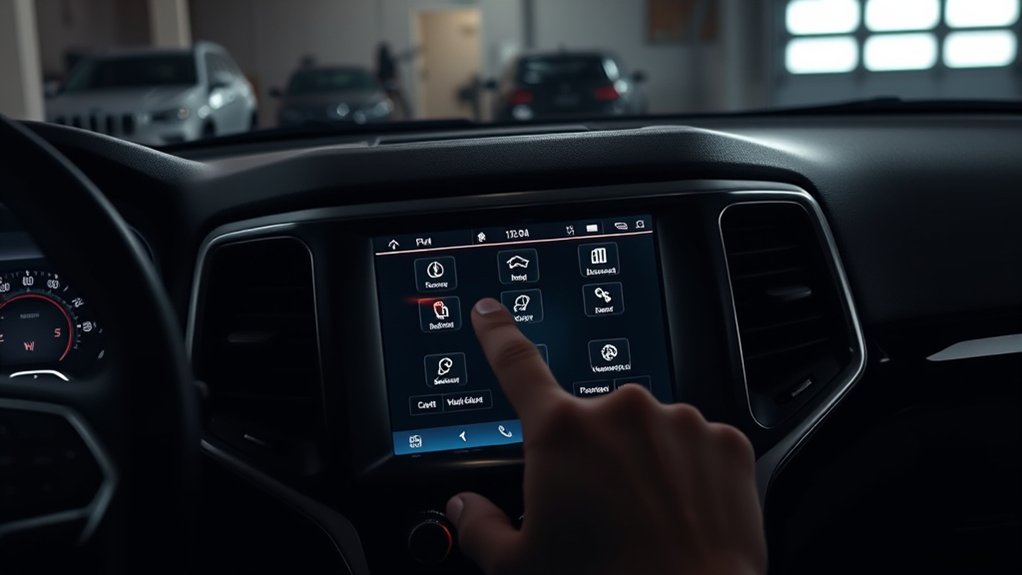
How to Reset Jeep Grand Cherokee Screen in 7 Easy Steps
If you’ve ever experienced a frozen or unresponsive screen in your Jeep Grand Cherokee, you’re not alone. Many owners struggle with glitches that disrupt their driving experience and leave them feeling stuck.
To reset your Jeep Grand Cherokee screen in 7 easy steps, first identify signs like unresponsiveness or glitches. Park safely, turn on your vehicle, and perform a soft reset by holding the power button or volume knob for about 10 seconds.
If issues persist, reboot the system using physical buttons or perform a hard reset by disconnecting the battery for 10-15 minutes.
For ongoing problems, troubleshooting or professional help may be needed. Keep going to find detailed instructions for each step.
Key Takeaways
- Ensure your vehicle is parked on a flat surface. Turn on the engine or set it to accessory mode, and make sure all doors are closed.
- To do a soft reset, just hold the volume or tuner knob for about 10 seconds. Keep holding until the system reboots on its own.
- If that doesn’t work, you might need a hard reset. Turn off your vehicle completely, then disconnect the negative battery terminal.
- Wait for 10 to 15 minutes before reconnecting the battery. This helps clear out any glitches in the system.
- It’s also a good idea to check the fuses related to the infotainment system. Replace any that are blown to ensure everything functions properly.
- Lastly, consider updating your Uconnect software. You can do this either through your dealership or by using a USB drive for better system stability.
How to Recognize When Your Jeep Grand Cherokee Screen Needs Resetting
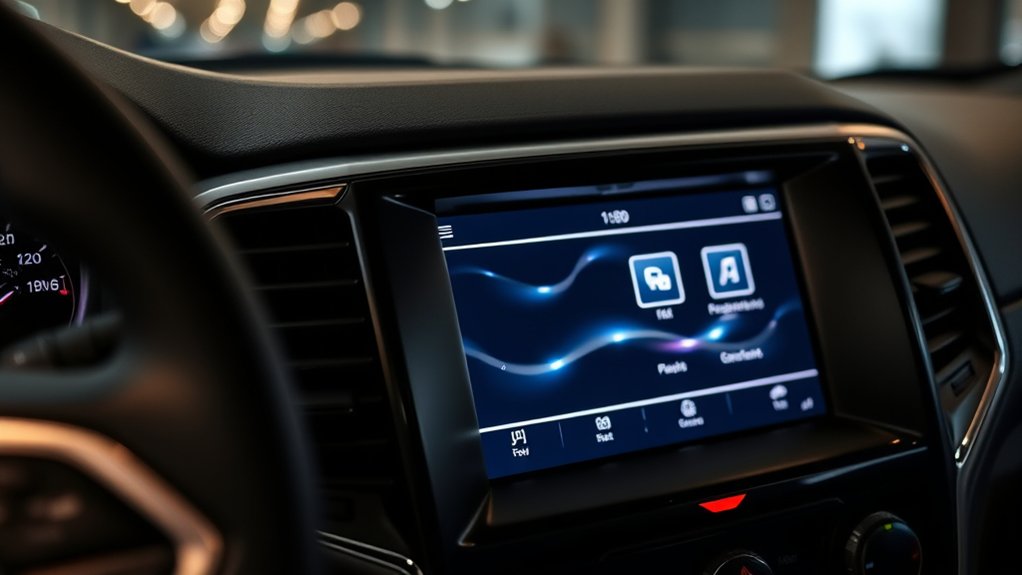
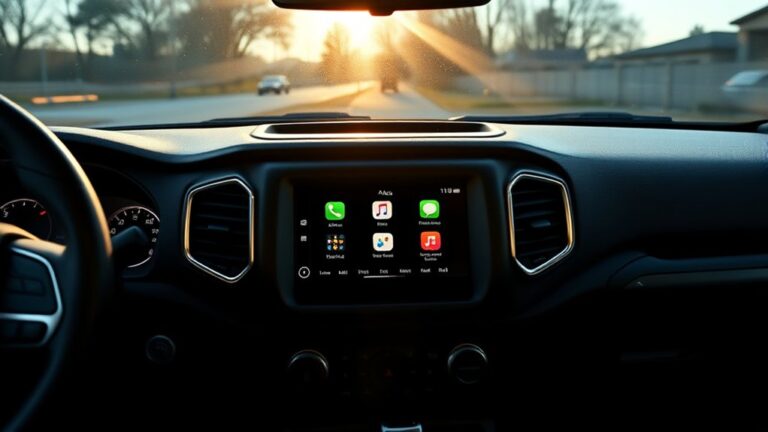
If your Jeep Grand Cherokee’s infotainment screen starts acting up, it’s important to recognize the signs that indicate it needs a reset. A screen unresponsive to touch or lagging when selecting menus often points to software issues.
You might notice the display freezing on a single image or showing incorrect information, like navigation or climate controls. Flickering, random restarts, or persistent error messages are clear indicators that your infotainment system needs attention.
Moreover, if buttons on the screen stop functioning or audio controls become unsynced, it suggests a problem. Bluetooth connection glitches or display and audio desynchronization further confirm that your system requires a reset to work properly again.
Preparing Your Vehicle Safely for a Screen Reset
Before resetting your Jeep Grand Cherokee’s screen, make sure the vehicle is ready for a safe and smooth process. Park it on a flat, stable surface with the engine running or in accessory mode to keep the power steady during the reset.
Engage the parking brake to prevent any unintentional movement and ensure safety throughout the process. Close all doors and windows to minimize distractions and create a controlled environment.
Turn off electronic accessories like the radio and climate controls to reduce system load and avoid interference. Check that the vehicle is steady and the electrical system is stable before you proceed.
Proper preparation helps protect your Jeep’s electronics and accessories, making the reset safer and more effective.
How to Do a Soft Reset to Fix Minor Screen Glitches
When your Jeep Grand Cherokee’s screen starts acting up with minor glitches, a soft reset can often fix the problem and get things running smoothly again.
To do a soft reset, turn the ignition to the “On” position without starting the engine. Then, press and hold the infotainment power button for about 10 seconds until the screen turns off and reboots.
Alternatively, you can hold down the volume and tuner knobs at the same time for roughly 10 seconds until the system restarts. This soft reset clears temporary glitches without deleting your personal settings or data.
After the reboot, check if the touchscreen response has improved. If issues still happen, you might need to try some other troubleshooting steps. But usually, a soft reset is enough to fix minor screen glitches in your Jeep Grand Cherokee.
Rebooting the System Using Physical Buttons
Rebooting the system using physical buttons is a simple way to fix temporary glitches on your Jeep Grand Cherokee’s touchscreen. To do a soft reset, hold the volume and tuner knobs at the same time for about 10 seconds.
During this, the screen will turn off and then restart with the Jeep logo, indicating a system reboot. Make sure no other buttons are pressed to avoid interruptions.
This method resets the system without deleting your personal settings and can clear up minor glitches.
Once the screen restarts, wait for it to fully reboot before checking if the touchscreen responsiveness has improved. Using physical buttons to reboot your Jeep’s system is quick, easy, and often solves common touchscreen issues without needing more invasive steps.
How to Perform a Hard Reset by Disconnecting the Battery
Before disconnecting the battery, make sure your vehicle is off, keys are removed, and it’s parked on a flat surface.
Use a wrench to carefully disconnect the negative terminal first, then the positive. Wait 10-15 minutes for the system to reset.
When reconnecting, attach the positive terminal first and tighten it securely. Then do the same with the negative.
Start the vehicle to check the screen and ensure everything is working properly.
Safety Precautions Needed
To safely perform a hard reset by disconnecting the battery, first make sure your vehicle is completely turned off and parked on a flat surface with the parking brake engaged.
Safety is essential, so wear protective gloves to prevent contact with battery acid or sparks. Before disconnecting, use a wrench to carefully remove the negative terminal first, then the positive terminal, to prevent electrical shorts.
Follow these precautions closely to avoid damage or injury. Wait at least 10-15 minutes after disconnecting the battery to ensure your vehicle’s systems fully reset.
When reconnecting, attach the positive terminal first, then the negative, tightening each securely. These safety precautions help protect you and ensure the reset process goes smoothly.
Reconnecting and Testing System
Once you’ve waited the recommended 10-15 minutes after disconnecting the battery, it’s time to reconnect the terminals and test your system. Carefully attach the positive terminal first, then the negative, making sure each connection is tight.
This process helps reset your vehicle’s electrical system, including the infotainment. Reconnecting gives the system a fresh start, which can fix display or functionality issues.
After securing the connections, start your vehicle and watch the infotainment screen. If it powers up normally, the reset was successful. A proper battery reset can resolve system glitches and improve overall performance.
Always double-check that the terminals are tight and be cautious to avoid sparks or short circuits during reconnection.
Troubleshooting Persistent Screen Issues After Reset
If your screen stays unresponsive after a reset, start by checking the hardware connections behind the dashboard and the screen panel to make sure all cables are secure and undamaged.
Next, consider updating the Uconnect software through a dealership or via USB, as this often fixes persistent issues.
If problems persist, it’s best to seek professional help to diagnose potential hardware failures or electrical faults.
Check Hardware Connections
Start by inspecting the wiring behind the dashboard to make sure all connections to the infotainment screen are secure and intact. This helps identify loose cables or damaged wiring that could cause screen issues.
Next, check the fuse box to see if the fuse related to the infotainment system has blown or become faulty. Then, examine the wiring connections, especially where cables connect to the back of the head unit, for any loose or disconnected cables.
Finally, confirm that the power and ground wires are properly connected, free of corrosion, and seated firmly. Reseating the wiring harnesses can also improve connections, especially if the screen stays unresponsive after resets. Proper wiring connections are key to reliable screen operation.
Update System Software
Updating your Jeep Grand Cherokee’s system software can help fix stubborn screen issues that stick around even after a reset.
To do this, go to the official driveuconnect.com/software-update website and download the latest firmware for your Uconnect system.
Before you start, check your current software version and look for updates specific to your vehicle’s model year.
Make sure your vehicle is parked outside and connected to a stable Wi-Fi network because over-the-air updates need a reliable connection.
Once you’ve downloaded and installed the update, reboot the system to ensure the new firmware is properly integrated.
Updating the software fixes bugs, improves stability, and enhances the overall Uconnect experience.
This can help resolve persistent screen problems that a reset alone might not fix.
Seek Professional Assistance
When screen issues continue even after multiple resets and software updates, it’s time to get professional help. A certified Jeep technician can diagnose hardware problems, like faulty wiring or a malfunctioning display, which simple resets can’t fix.
They can also perform advanced software updates or hardware replacements that aren’t available to car owners. Persistent malfunctions might also be caused by electrical system issues needing expert evaluation.
Seeking professional assistance guarantees an accurate diagnosis and helps prevent further damage to your infotainment system. A technician uses specialized tools to identify hardware faults precisely and can handle extensive software updates beyond what’s accessible to consumers.
Hardware replacements are done professionally to ensure everything fits correctly. Electrical system issues are thoroughly inspected and repaired by trained experts for peace of mind.
Best Practices to Prevent Screen Freezes and Maintain System Performance
To keep your Jeep Grand Cherokee’s infotainment system running smoothly, follow some simple best practices to prevent screen freezes and keep performance high. Regularly update the Uconnect system software to fix bugs and improve stability.
Avoid running multiple apps at once, as this can overload the system and cause freezes. Performing soft resets periodically clears temporary glitches and helps keep the touchscreen responsive. Protect the screen from extreme temperatures and moisture to prevent hardware issues and display problems.
Be cautious when using the system by closing unused apps and avoiding abrupt shutdowns. These habits help ensure your Uconnect system stays responsive and free from screen freezes.
Frequently Asked Questions
How Do I Reset My Jeep Grand Cherokee Screen?
To reset your Jeep Grand Cherokee screen, press and hold the infotainment power button for about 10 seconds until the screen turns off and restarts.
If your model has physical volume and tuner knobs, hold both simultaneously for the same duration.
Alternatively, turn the ignition to the “On” position without starting the engine and hold the power button until the screen resets.
If the screen doesn’t respond, disconnect the negative battery terminal for 10-15 minutes.
How to Reset Uconnect 7 Inch Screen?
Did you know that a soft reset can fix up to 80% of Uconnect issues?
To reset your Uconnect 7-inch screen, press and hold the volume and tuner knobs for about 10 seconds until the screen turns off and restarts.
Make sure your vehicle is parked and in accessory mode. If that doesn’t work, disconnect the negative battery terminal for 10-15 minutes before reconnecting.
How to Reset Jeep Navigation Screen?
To reset your Jeep navigation screen, press and hold the power button along with the volume or tuning buttons at the same time for about 10 seconds until the screen turns off and then restarts.
If your model has a touchscreen, you can access the reset menu through settings, then choose “Reset” or “Restore Factory Settings.”
For screens that are unresponsive, disconnect the battery for 10-15 minutes before reconnecting. This will help restore everything to factory defaults.
How Do I Reset My Car Touch Screen?
Think of your car’s touchscreen as a delicate dance partner—sometimes, it needs a reset to get back in sync.
To do this, press and hold the power button along with the volume and tuner knobs for about 10 seconds until the screen flickers off and restarts.
If that doesn’t work, disconnect the negative battery terminal for 10-15 minutes, then reconnect and power up.
Conclusion
Now that you know how to reset your Jeep Grand Cherokee screen, you’re better prepared to handle any glitches that pop up.
Remember, sometimes a simple reset can save you a lot of hassle. But don’t ignore ongoing issues—they might be signs of bigger problems.
Keep your system updated and develop good habits to avoid future headaches.
After all, it’s smarter to fix problems early before they turn into something more serious.